
Free to start · Runs in your browser
Create anything.
Edit everything.
Images, video, music, 2D and 3D. Every AI creative tool in one studio.
Home
Make something
worth sharing.
Images, films and sound. Everything starts with a small idea.

A little inspiration
See what you can create
Your toolbox
EditAI image generation
Imagine it. Create it.
Describe it, pick a style and a quality tier. Fast images cost 3 credits.
Try it freeAI video generation
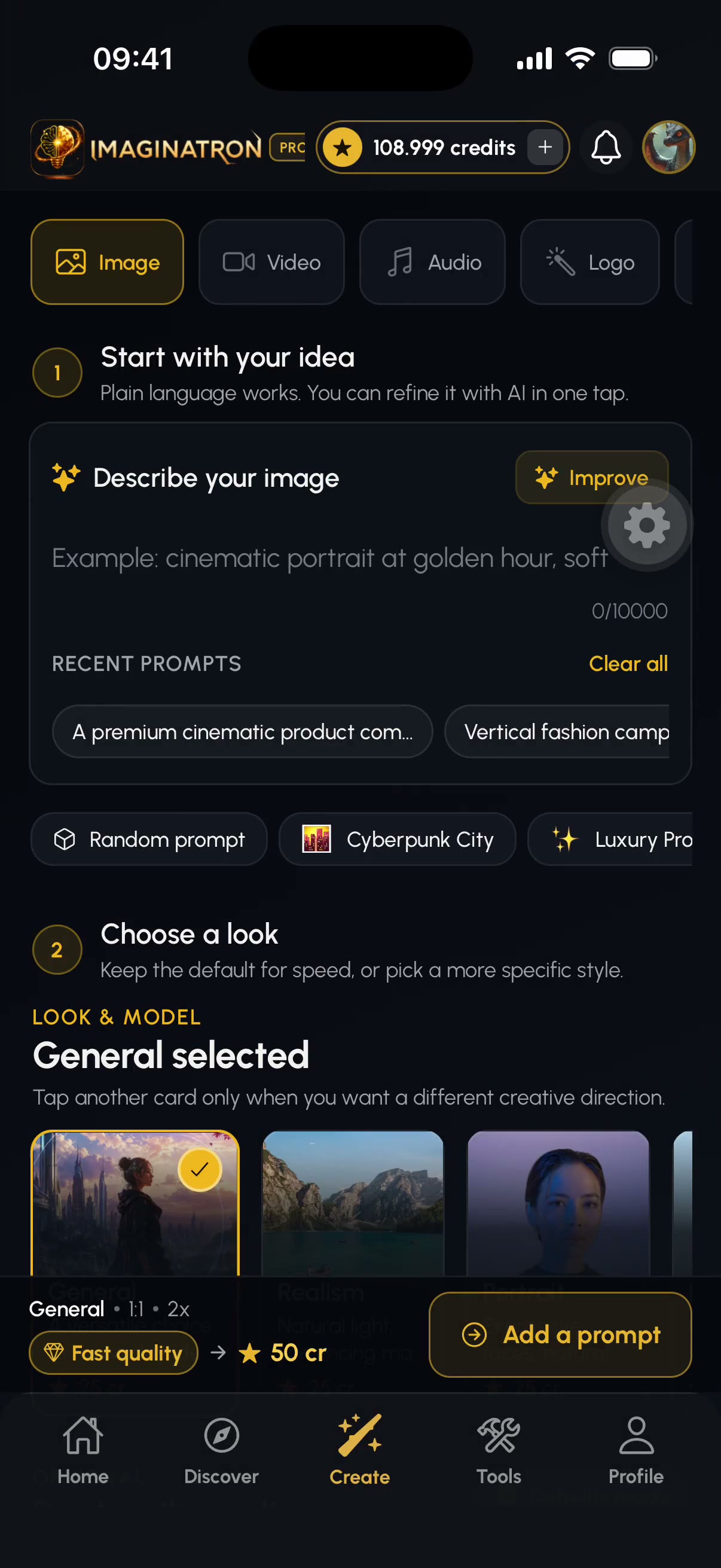
Dream it. Watch it move.
Start from a prompt or a still image. Priced per second, shown before you generate.
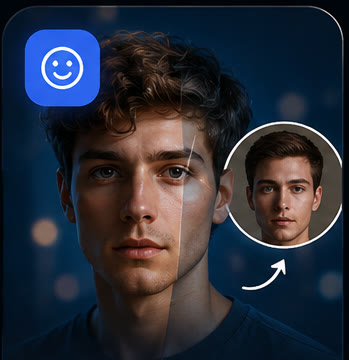
Try it freeAI Talking Avatar
Give your portrait a voice.
Generate or edit a portrait, write a script or upload speech, then create a lip-synced video.
Try it freeMusic, voice and sound FX
Set the mood. Find your sound.
Songs from a mood, voiceovers from a script, sound effects for a clip.
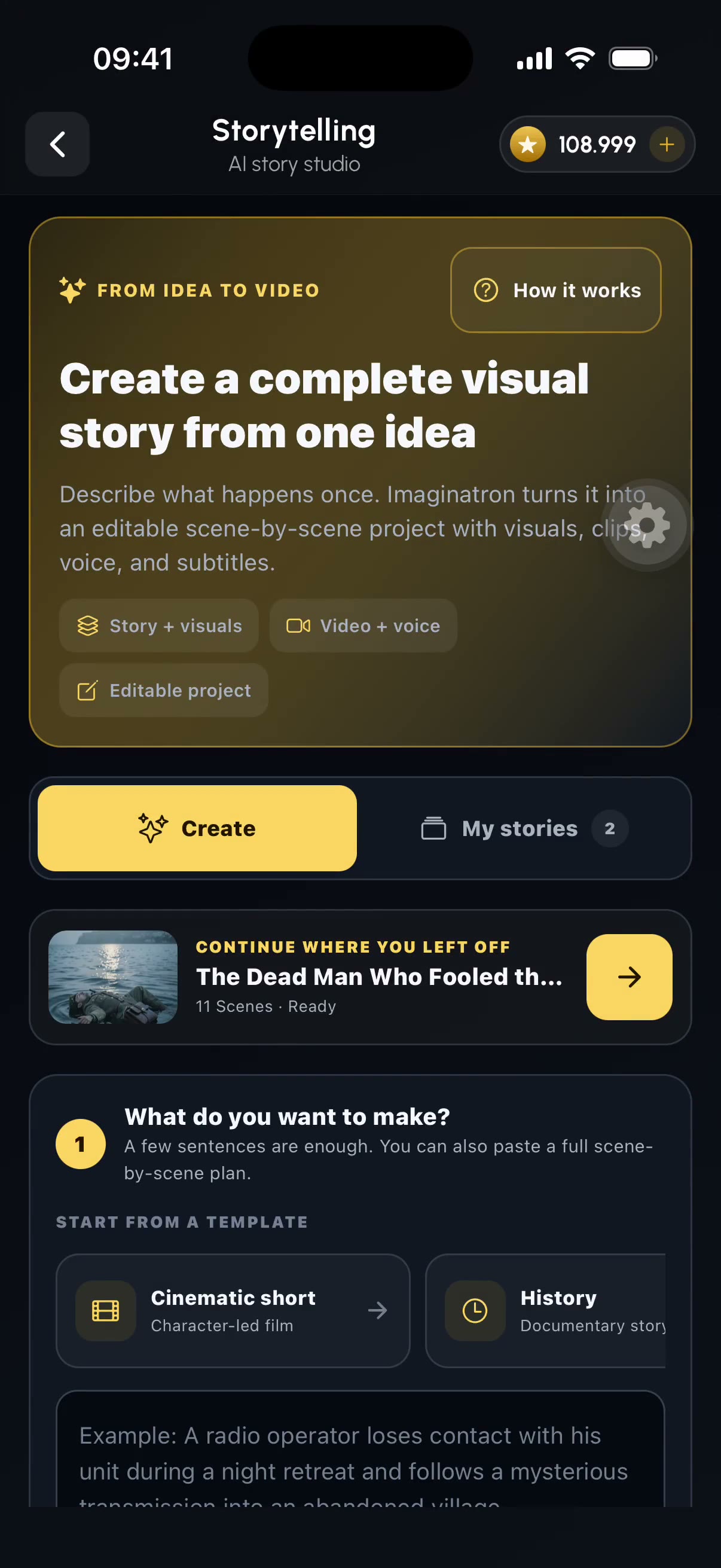
Try it freeStorytelling
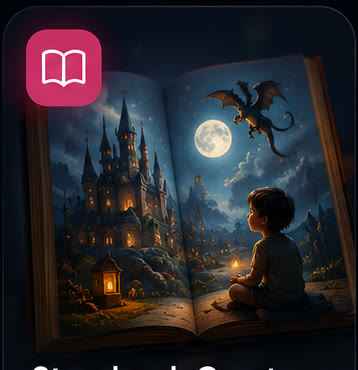
Every story starts somewhere.
One prompt becomes a story with scenes, images and video clips.
Try it free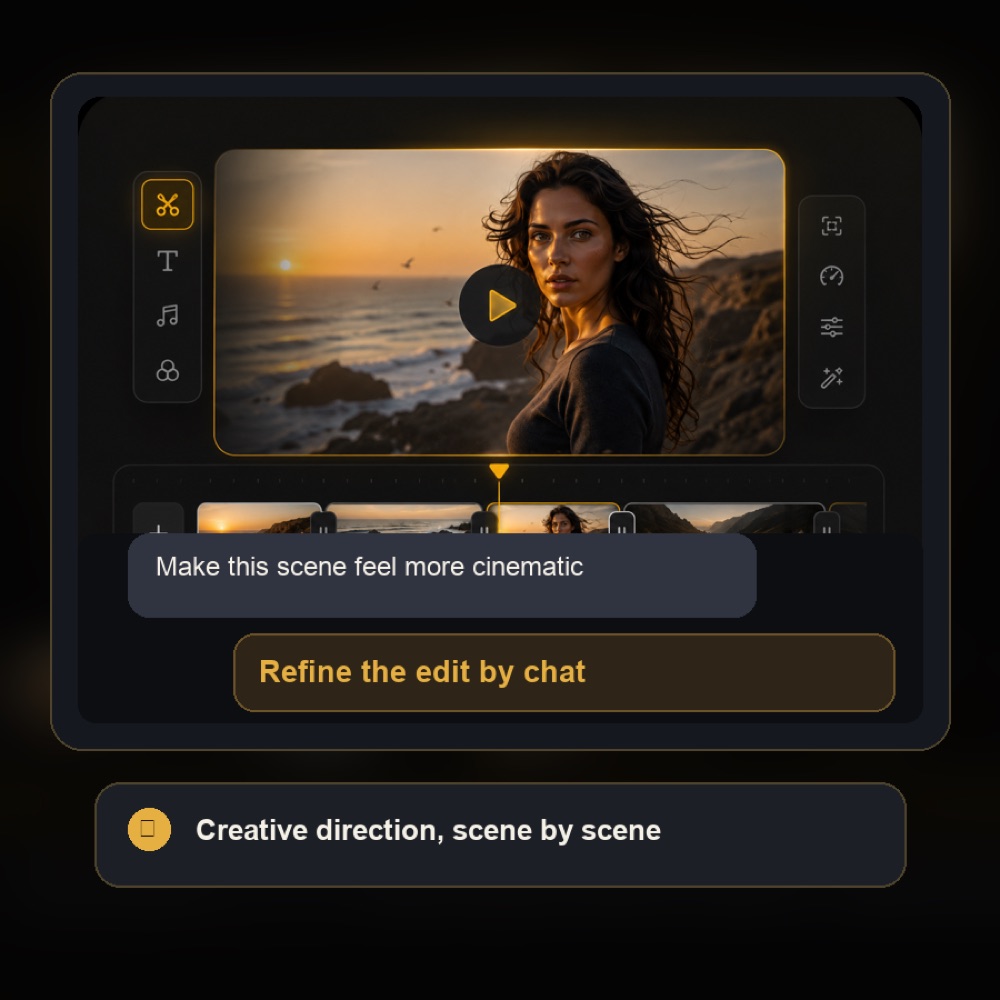
Chat Video Editor
Your words. Your next edit.
Describe the change. Every edit is saved as a new version.
Try it free
 OriginalRemoved
Photo
Keep the subject. Lose the background.
One click to a transparent cutout. Drag the handle.
Try it free
 BeforeUpscaled
Canvas editor
Your canvas. Your rules.
Layers, text, filters, and edits you describe in words.
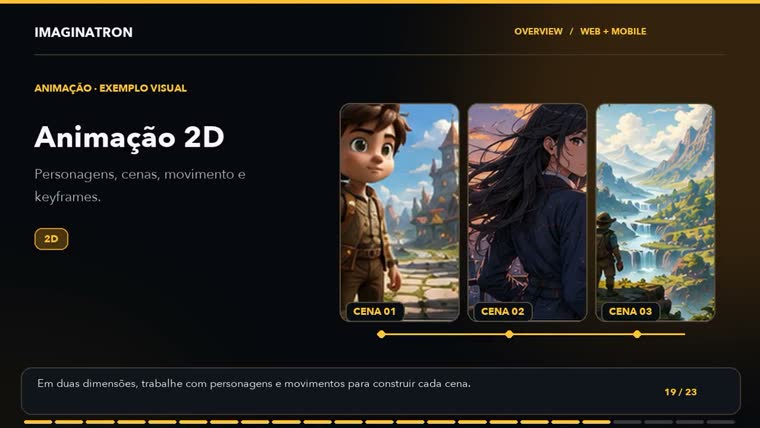
Try it free2D animation
Draw it. Bring it to life.
Rig layered characters and animate them with keyframes.
Try it free
Utilities
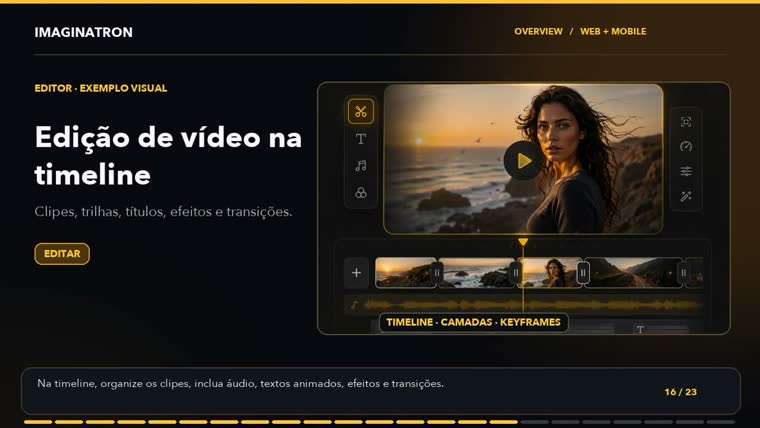
Same picture. Smaller file.
Pick a preset or a target size and see the new size first.
Try it free





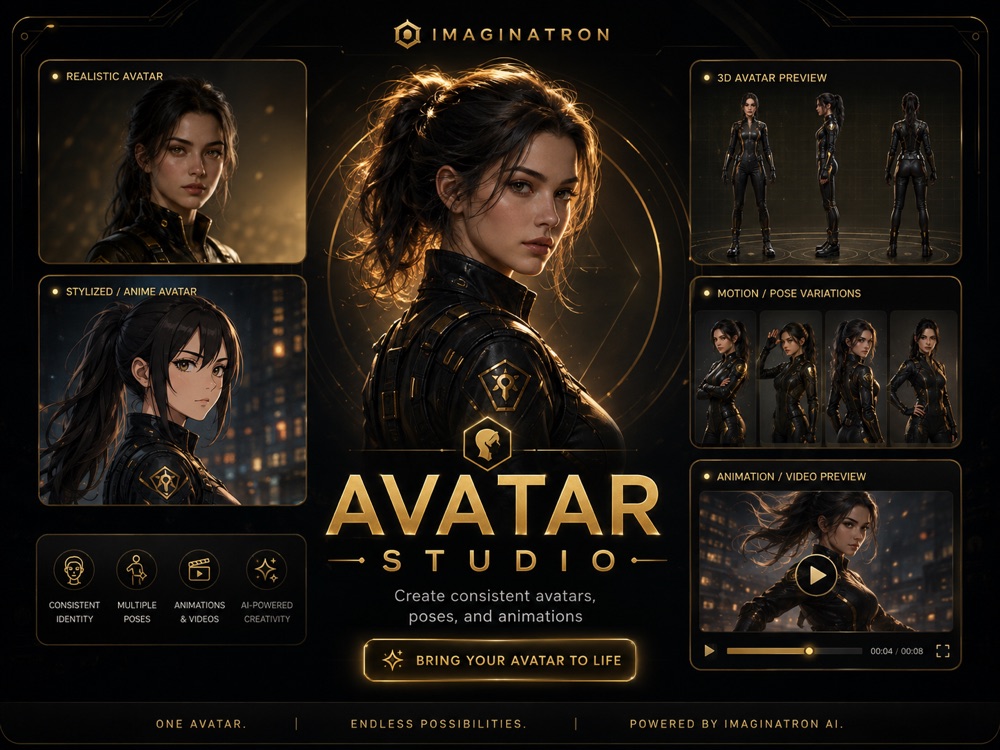
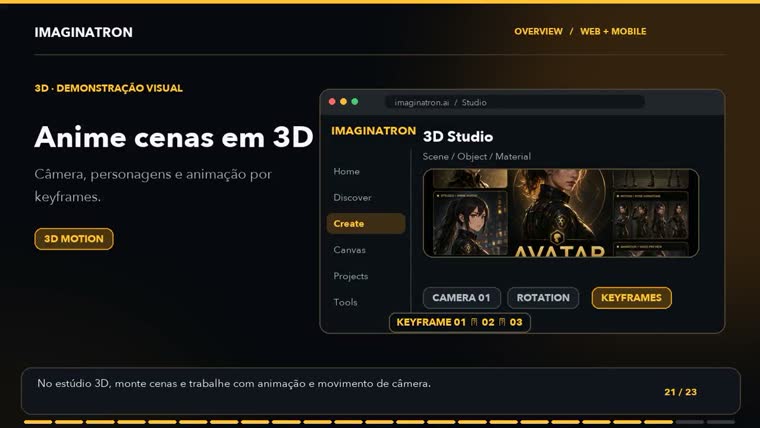
3D characters
Characters worth remembering.
One character, consistent across images, video and 3D.
Try it free

Try it: click any tool. This is the home screen you get after signing up.
Made in Imaginatron.
 AI Talking Avatar
 AI Image GeneratorA cyberpunk samurai standing in a rain-soaked alley…
 Image to Video
 Logo MakerElegant minimal luxury brand logo design, gold foil…
 UX/UI Design
 AI Image GeneratorPremium product photography of a luxury perfume bottle…
 AI Video Generator
 AI Image GeneratorAn ultra-realistic cinematic photograph of a woman…
 Storybook
 AI Avatar Generator
 3D Objects
 AI Video Generator
 AI Image GeneratorAn epic fantasy scene featuring a majestic dragon…
 AI Video Generator
 AI Image GeneratorA large, intricately designed steampunk airship…
 AI Image GeneratorNeon-lit cyberpunk cityscape at night, rain-soaked…
 Upscale Image
 AI Video Generator
 AI Image Generator…a futuristic city skyline at sunset, rendered in a vibrant, semi-realistic style…
 Thumbnails
 AI Image Generator
 AI Image Generator
 AI Image Generator
Made in Imaginatron
Your turn.
Every one of these started as a sentence. Make your first video in the browser, free to start.
One idea.
Every tool.
On-screen text in Portuguese.
See the tools in action.
 OriginalRemoved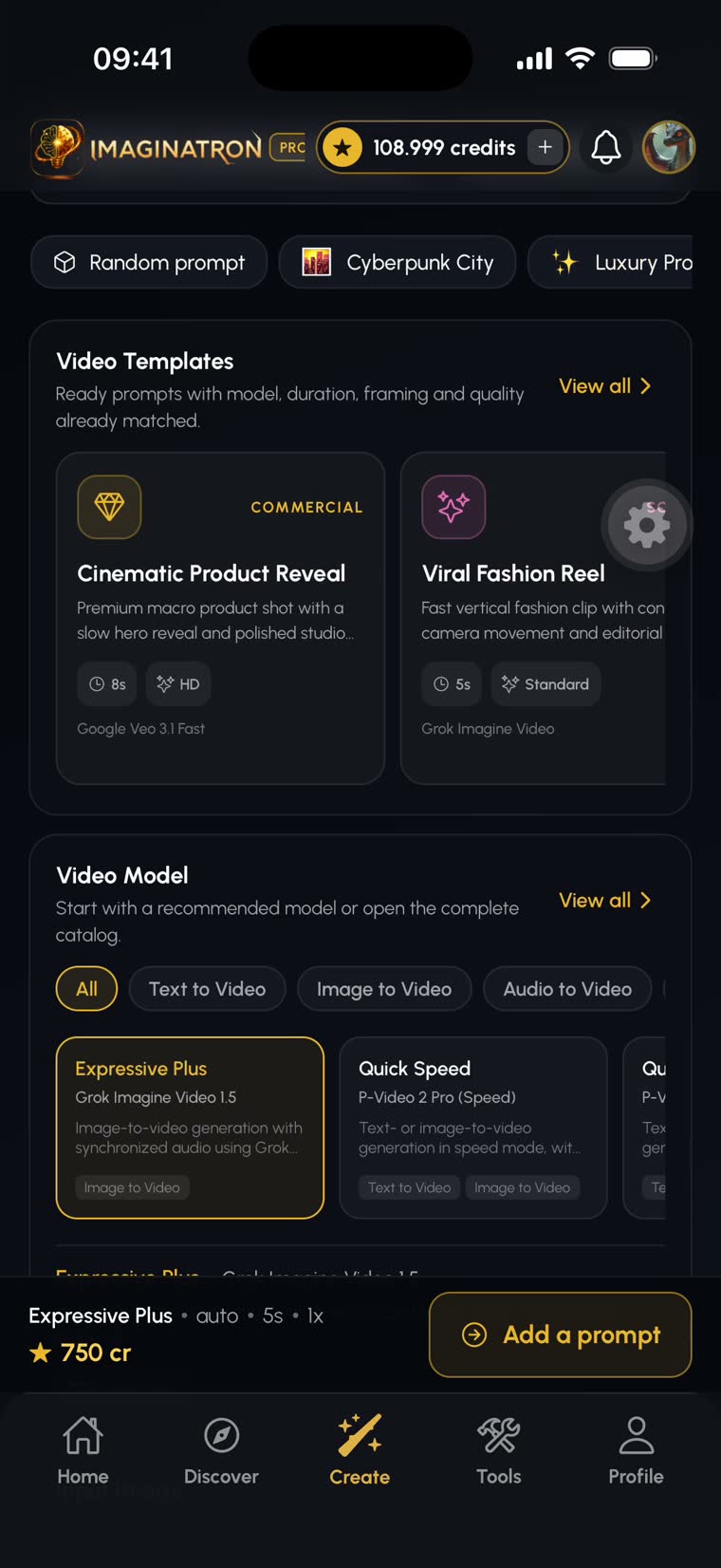
 BeforeUpscaled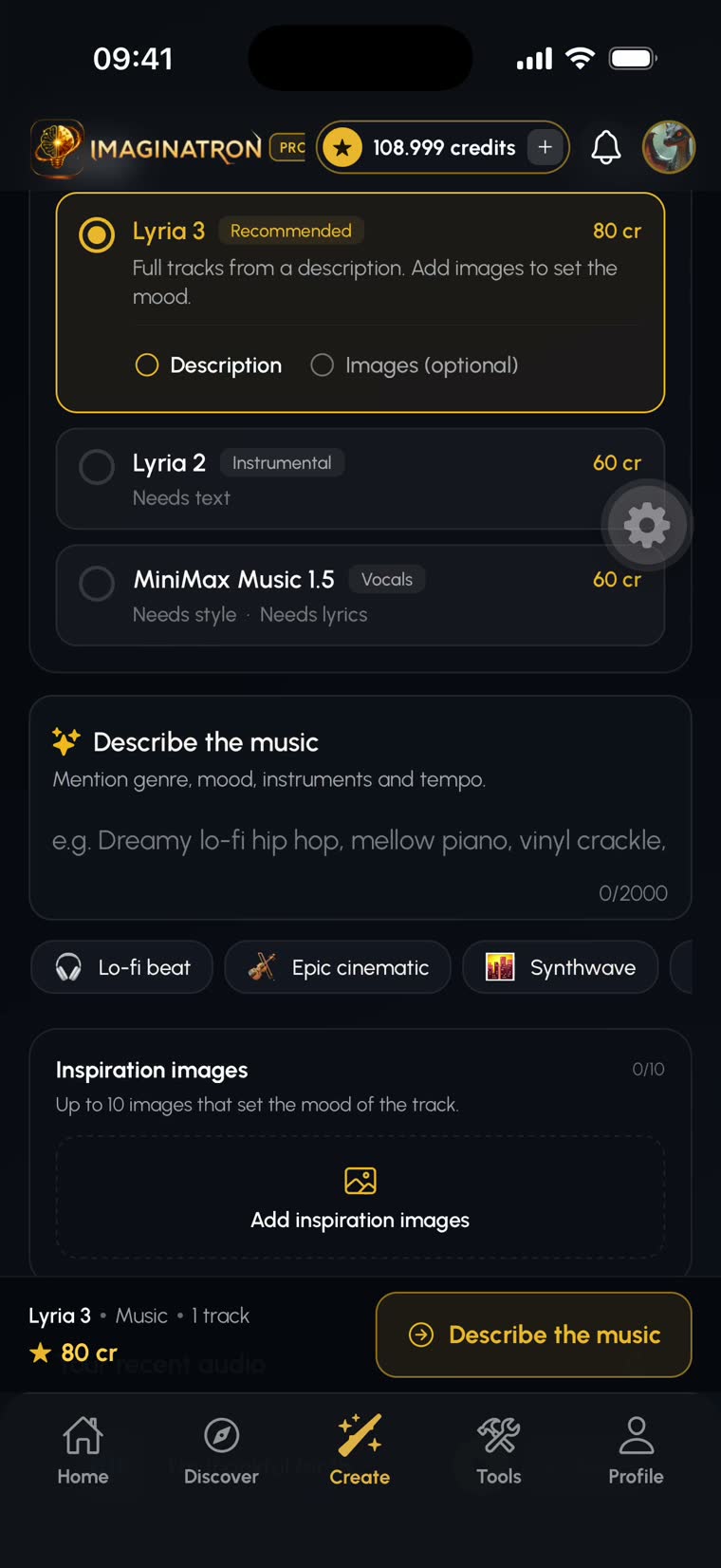
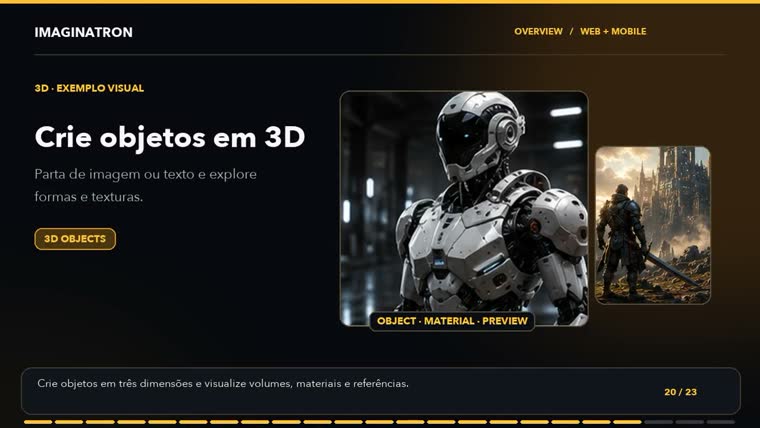
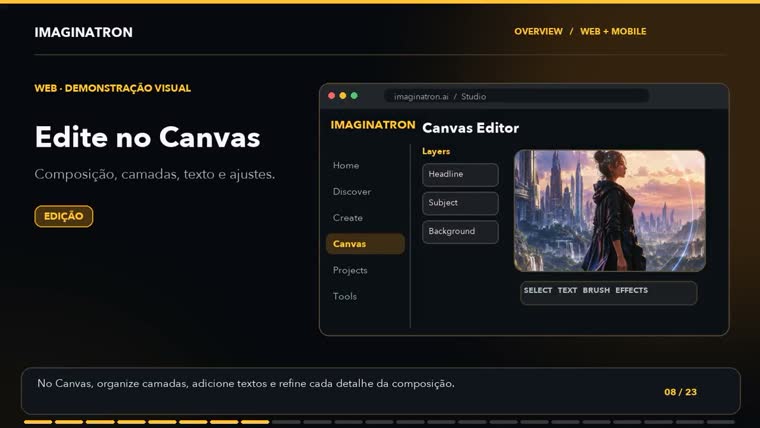

Also in the studio
Pick a style. Make it yours.


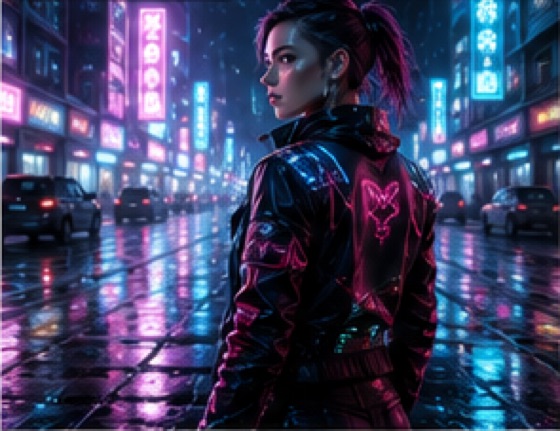
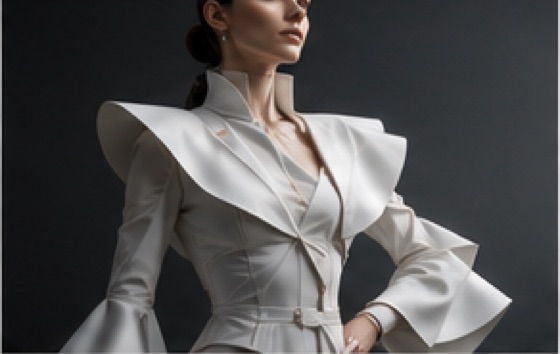

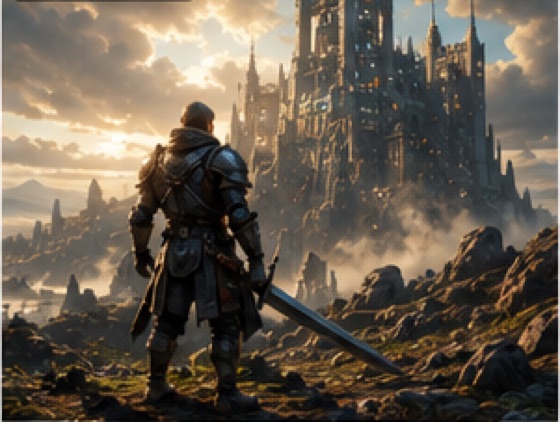
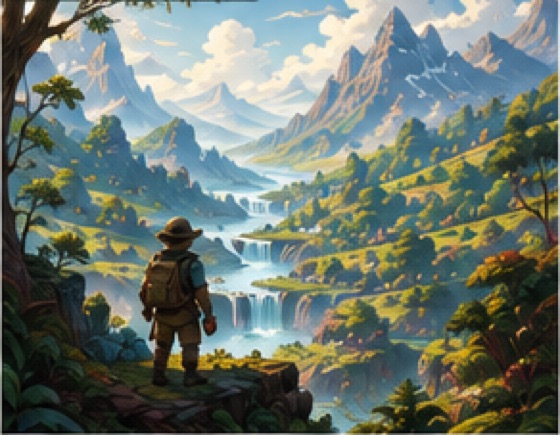
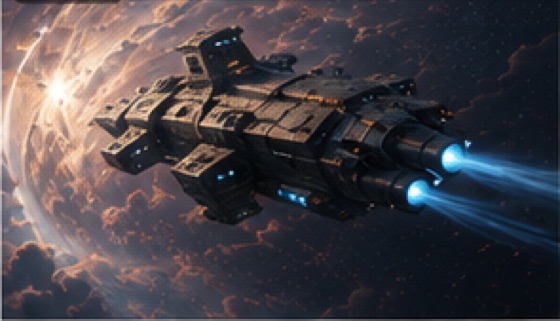
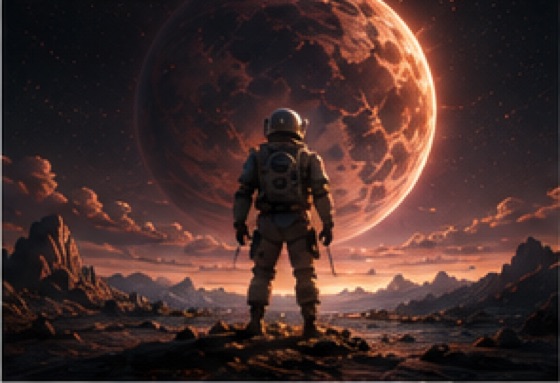

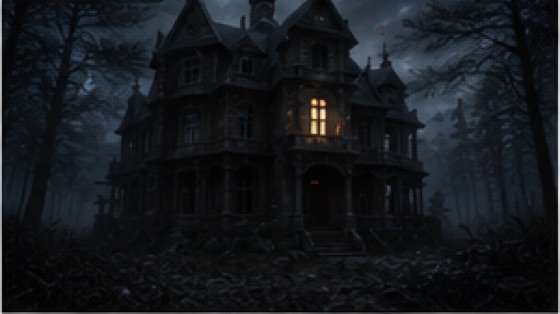


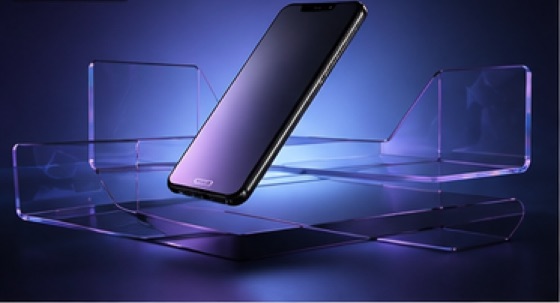
- 3 credits per Fast image
- Every price shown before you run it
- Refunded if a generation fails
- Free to start
- Pricing
Questions
★ What is Imaginatron?
The app
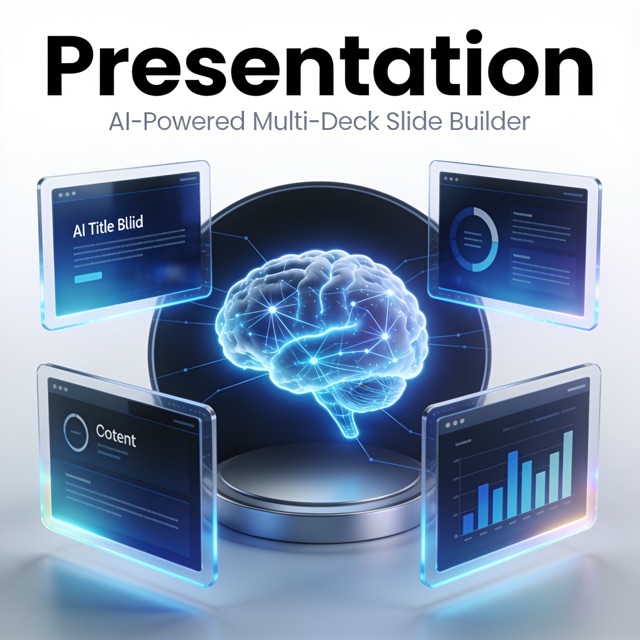
An AI creative studio that runs in your web browser. It generates images, video, 3D models and scenes, logos, presentations and storybooks — and gives you a layered canvas editor and a multi-track video timeline to finish the work, plus a community feed to publish it to.
Link to this answer ↗★ Is it free?
The app
Signing up is free and you start with a token balance. AI generations consume tokens. Browsing the feed, editing on the canvas and timeline, exporting, and everything social are free.
Link to this answer ↗★ How do tokens work?
Tokens & billing
Every AI generation costs tokens, priced by how much compute it takes. One token is worth $0.01, so 100 tokens are a dollar. A Fast image costs 3 tokens; an Ultra image costs 15. Video starts at 13 tokens for a Fast 5-second clip. You always see the exact cost before you press generate.
Link to this answer ↗★ What happens if a generation fails?
Tokens & billing
Your tokens are returned to your wallet automatically. You can verify any refund in Profile → Token History.
Link to this answer ↗★ How do I cancel my subscription?
Tokens & billing
In the app, open your plan and choose Manage subscription. It takes you to your subscription page, where you can cancel. Cancelling stops future renewals and you keep access until the end of the period you already paid for.
Link to this answer ↗